

TB 9-2320-279-13&P-4
0062
NOTE
Remove cable ties as required.
Note position of polarizing key prior to removal to ensure proper installation.
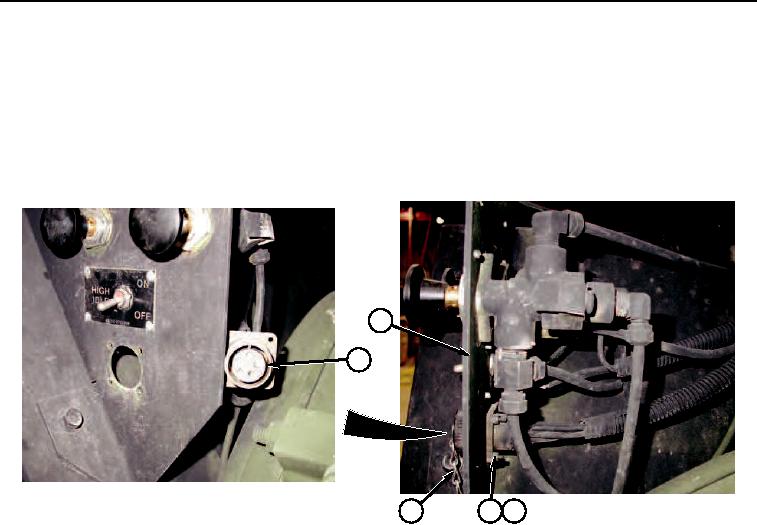
2. Remove four locknuts (3), screws (4), cap and chain assembly (1) and connector MC54 (2) from mounting
bracket (5). Discard locknuts.
5
2
1
3
4
Figure 2.
END OF TASK
INSTALLATION
NOTE
Install connector as noted prior to removal.
1. Install connector MC54 (2) and cap and chain assembly (1) on mounting bracket (5) with four screws (4) and
locknuts (3).